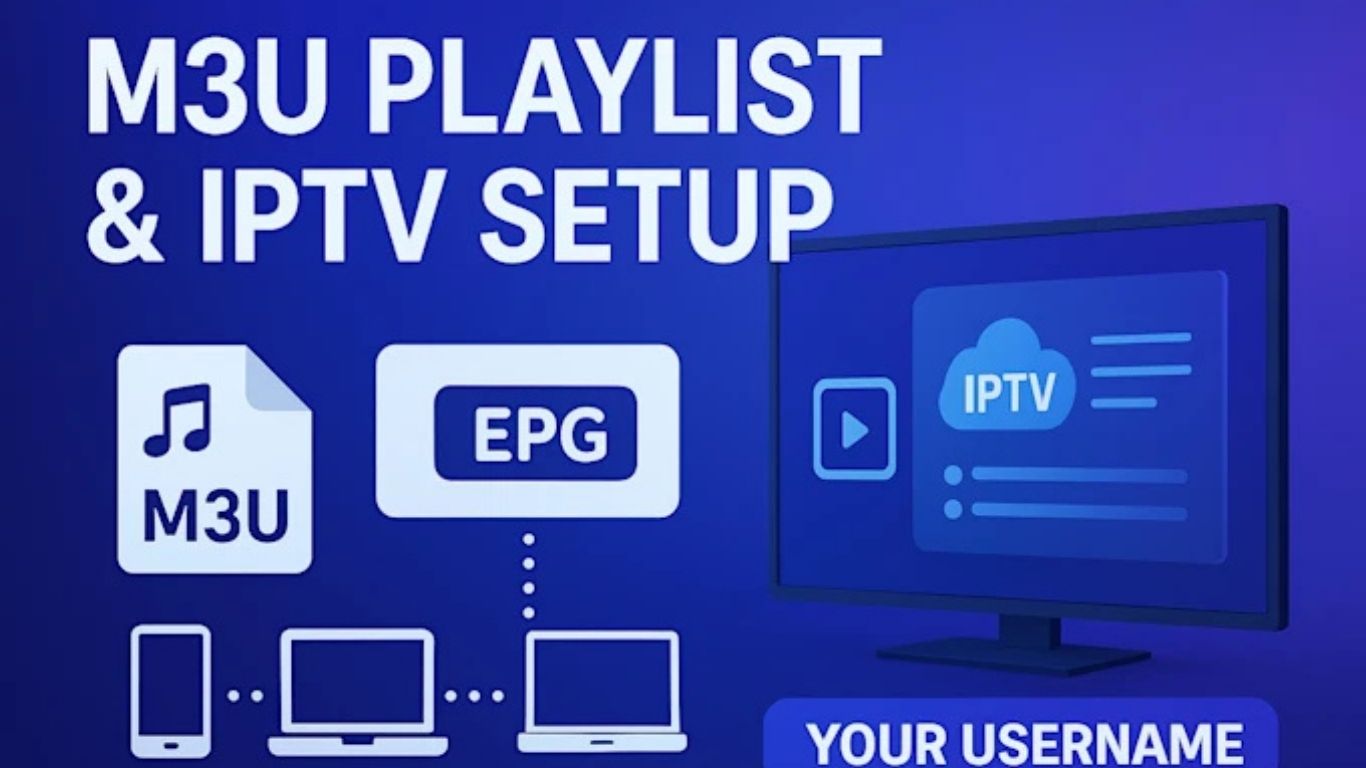
How to Use and Optimize Your M3U Playlist for IPTV Players
M3U playlists have become one of the most popular ways to stream IPTV content across different devices. Whether you use a Smart TV, Fire Stick, Android Box, Windows PC, MacBook, iPhone, or tablet, M3U files make it simple to access live TV channels, sports events, movies, TV series, documentaries, and video-on-demand content from one place. IPTV technology continues to grow rapidly in the United Kingdom because viewers want more flexibility, better entertainment options, and affordable streaming solutions compared to traditional cable TV services.
An M3U playlist acts like a digital channel list that stores streaming links. Instead of manually entering every TV channel one by one, users can simply import a single playlist into their IPTV player. The application then automatically loads all available categories and channels. This setup process is quick, easy, and beginner-friendly, making M3U playlists ideal for IPTV users of all experience levels.
Modern IPTV players support advanced M3U playlist features such as electronic program guides (EPG), catch-up TV, favorites management, parental controls, multi-screen viewing, and channel search functionality. With the right IPTV player and optimized M3U playlist, users can enjoy smooth streaming, reduced buffering, and fast channel switching across multiple devices.
What Is an M3U Playlist?
An M3U playlist is a text-based file format used to organize multimedia streaming links. The term M3U stands for “MP3 URL,” although today it supports many different types of media beyond music. IPTV providers use M3U playlists to deliver live TV channels and VOD libraries to users through compatible IPTV applications.
There are two common types of M3U playlists. The first is a downloadable M3U file stored on your device. The second is an M3U URL, which is a web link that automatically updates channel information whenever changes are made by the IPTV provider. Most premium IPTV services now prefer M3U URLs because they are easier to maintain and update.
M3U playlists contain streaming paths for live channels and media content. Once imported into an IPTV application, the player reads the playlist structure and displays categories such as sports, movies, entertainment, news, documentaries, kids’ channels, international TV, and on-demand content.
Why M3U Files Are Ideal for IPTV Streaming
M3U playlists are extremely popular in the IPTV industry because they are lightweight, flexible, and widely compatible. Almost every IPTV player available today supports the M3U format. Users can switch between devices without changing playlists, which makes IPTV streaming more convenient and accessible.
Another important advantage is simplicity. Even users with limited technical knowledge can easily set up an IPTV service using an M3U link. In most cases, the setup only requires copying and pasting a playlist URL into the IPTV application.
M3U playlists are also ideal for IPTV because they support automatic updates. If a channel changes its stream source or new channels are added, the IPTV provider can update the playlist remotely. Users only need to refresh the playlist inside their IPTV player to access the latest content.
Compared to older streaming methods, M3U playlists offer better organization and faster access to entertainment. Categories are displayed clearly, channels can be sorted, and users can create personalized favorite lists for quick access.
Main Advantages of Using M3U Playlists
One of the biggest benefits of M3U playlists is device compatibility. Users can stream IPTV content on Smart TVs, Android devices, iOS devices, Fire Stick, MAG boxes, Windows computers, macOS systems, and Linux platforms without major setup differences.
M3U playlists also provide flexibility. Users can easily switch IPTV players while keeping the same playlist. This is useful if someone wants additional features such as recording, better EPG support, or advanced playback controls.
Another major advantage is convenience. Instead of downloading separate applications for movies, sports, and TV channels, users can access everything from a single IPTV interface. This creates a cleaner and more organized streaming experience.
M3U playlists are also highly customizable. Advanced IPTV players allow users to hide categories, rename playlists, organize channels, add favorites, and create custom viewing groups. These features improve navigation and help users quickly find the content they want to watch.
For sports fans in the UK, M3U playlists are especially useful because they provide access to live football matches, Premier League games, boxing events, Formula 1, UFC, cricket, rugby, and international sports channels from one platform.
Best IPTV Players for M3U Playlists
Choosing the right IPTV player is important for achieving smooth and stable streaming performance. Some IPTV players are designed for simplicity, while others include advanced features for experienced users.
IPTV Smarters is one of the most widely used IPTV applications because it supports M3U playlists, Xtream Codes API, EPG integration, catch-up content, and multiple devices. The interface is user-friendly and suitable for beginners.
TiviMate is another popular IPTV player, especially among Android TV and Fire Stick users. It provides a premium television-style interface with advanced playlist management, scheduled recordings, channel grouping, and modern navigation tools.
VLC Media Player is a lightweight solution for users who want basic IPTV playback on Windows or Mac computers. Although it lacks some advanced IPTV features, it remains reliable and easy to use.
XCIPTV is another strong option that supports customizable layouts, built-in media players, and IPTV streaming optimization. GSE Smart IPTV is commonly used on iPhone and iPad devices because it supports M3U playlists and remote playlist management.
Smart TV users can install IPTV applications directly from app stores depending on their television brand. Samsung, LG, Sony, and Android TVs often support IPTV players that work with M3U playlists.
How to Install and Use an M3U Playlist
Installing and using an M3U playlist is usually straightforward. First, users must download an IPTV player compatible with their device. After installation, they can choose the option to add a playlist or IPTV subscription.
Users are then asked to enter a playlist name and paste the M3U URL provided by their IPTV service provider. After saving the information, the IPTV player begins loading channels and categories automatically.
If an EPG link is provided, users should also add it to the IPTV player. EPG support improves the viewing experience by displaying program schedules, show names, and broadcasting times.
Once the playlist finishes loading, users can browse channels, search for content, create favorite lists, and begin streaming immediately. Most IPTV players also support video quality selection, subtitle controls, and parental restrictions.
How to Optimize Your M3U Playlist for Better Streaming
Optimizing your IPTV setup can significantly improve streaming quality and reduce buffering issues. One of the most important factors is internet stability. IPTV streaming works best with a fast and consistent internet connection.
For HD streaming, users should ideally have at least 20 Mbps internet speed. For 4K streaming, faster speeds are recommended. Using a wired Ethernet connection instead of Wi-Fi often improves streaming stability, especially during live sports events.
Keeping your IPTV player updated is also essential. Older versions of IPTV applications may contain bugs or compatibility issues that affect performance. Developers regularly release updates to improve speed, security, and playback reliability.
Clearing cache files inside IPTV applications can also improve responsiveness and reduce freezing problems. Over time, temporary files may slow down playlist loading and navigation.
Another optimization method is reducing unnecessary categories inside the IPTV player. Large playlists containing thousands of channels may take longer to load. Hiding unused categories can improve overall speed and organization.
Users should also restart their devices regularly to refresh memory usage and maintain stable streaming performance. Background applications running simultaneously may consume system resources and reduce IPTV playback quality.
Common M3U Playlist Problems and Solutions
Sometimes users experience issues with M3U playlists not loading correctly. One common reason is an expired or incorrect playlist URL. Users should verify the playlist link carefully and ensure there are no missing characters or spaces.
Buffering is another common IPTV issue. In many cases, buffering is caused by unstable internet connections or overloaded Wi-Fi networks. Restarting the router, using Ethernet connections, and reducing network congestion can help improve streaming quality.
If channels are missing, users should refresh or reload the playlist inside the IPTV player. IPTV providers frequently update playlists, so refreshing helps synchronize the latest channel data.
Audio synchronization problems may occur occasionally during live streams. Restarting the channel or changing the media player settings inside the IPTV app often resolves these issues.
Application crashes can usually be fixed by updating the IPTV player or reinstalling the app completely. Users should also ensure their devices have enough available storage space for smooth operation.
Why IPTV Streaming Will Continue Using M3U Playlists
M3U playlists continue to dominate the IPTV industry because they are simple, reliable, and highly adaptable. As IPTV technology evolves, M3U support remains a standard feature across most streaming applications.
Streaming platforms continue to improve playlist organization, EPG integration, cloud synchronization, and playback quality. M3U playlists provide the flexibility needed for these improvements without requiring complicated infrastructure changes.
Another reason M3U playlists remain popular is accessibility. IPTV providers can deliver large amounts of content efficiently while users enjoy easy setup processes on almost any device.
As more viewers move away from traditional cable television and choose internet-based streaming services, M3U playlists are expected to remain one of the most important formats for IPTV streaming worldwide.
Conclusion
M3U playlists provide one of the easiest and most effective ways to enjoy IPTV streaming on multiple devices. They offer excellent compatibility, simple setup, automatic updates, and access to thousands of live TV channels and on-demand titles. Whether you use IPTV for sports, movies, entertainment, or international content, M3U playlists create a flexible and user-friendly streaming experience.
By choosing a high-quality IPTV player, maintaining a stable internet connection, and following optimization techniques, users can reduce buffering and enjoy smoother playback. As IPTV continues to grow in popularity across the UK and worldwide, M3U playlists will remain a key part of modern streaming technology.
